Password Strength Checker — Is Your Password Actually Strong?
Most people think their password is strong. Most of those people are wrong. A capital letter and an exclamation mark don't make a password secure — here's what actually does.
Your Password Might Be Weaker Than You Think
Most people rate their own passwords as "pretty strong." And most of those people are wrong.
It's not their fault. The mental model most of us use for password strength is broken. We think a capital letter makes it stronger. We think adding an exclamation mark at the end covers the "special character" requirement. We think a password that's hard for us to remember must be hard for a computer to crack.
None of that is true.
A password strength checker doesn't care what you think about your password. It analyzes the actual characteristics — length, character variety, patterns, dictionary words — and gives you an honest assessment. Sometimes that assessment is uncomfortable. It's always more useful than guessing.
What Password Strength Actually Means
Password strength is measured in one thing: how many guesses would it take to crack it?
This is called entropy, and it's calculated based on two factors: how many possible characters could appear at each position, and how many positions (characters) there are. The formula is simple — more characters and more variety means exponentially more possible combinations.
Here's what this looks like in practice:
A 6-character lowercase password has about 300 million possible combinations — a modern computer cracks this in under a second
An 8-character password with mixed case and numbers has about 218 trillion combinations — still crackable in a few hours with dedicated hardware
A 12-character random password with all character types has combinations in the quintillions — years to crack
A 16-character random password — effectively uncrackable with current technology
The jump from 8 to 16 characters doesn't just double the security. It multiplies it by trillions. Length is the single most important factor in password strength, and most people's passwords are too short.
Why "Complex" Doesn't Always Mean "Strong"
Here's something that surprises most people: P@ssw0rd! is a terrible password.
Yes, it has uppercase, lowercase, numbers, and a special character. Yes, it meets the requirements on most websites. No, it would not survive a serious cracking attempt.
The reason is that attackers don't just try random combinations — they use dictionaries. And those dictionaries include common substitutions. They know that people replace "a" with "@", "o" with "0", "e" with "3", "i" with "1". These substitutions are so common that cracking tools check them automatically.
P@ssw0rd! is essentially "password" with well-known substitutions. Any decent cracking tool finds it in seconds.
Compare that to mK9#vLp2@nRx — a 12-character random password with the same character types. The difference isn't visible, but it's massive. The first follows a predictable pattern. The second has none.
How a Password Strength Checker Works
A good password strength checker doesn't just count character types and give you a score out of 100. It looks at multiple factors:
Dictionary checking
Does your password contain a real word, name, or common phrase? Even buried inside other characters, dictionary words dramatically reduce effective strength because cracking tools specifically look for them.
Pattern detection
Keyboard patterns like "qwerty", "12345", or "asdf" are well-known and checked first by cracking tools. Repeating characters ("aaa"), sequential characters ("abc"), or dates also count as patterns that weaken a password.
Common password lists
Millions of previously leaked passwords are known. If yours matches or closely resembles one of them, it's weak regardless of how complex it looks. Passwords like "Summer2024!" appear on breach lists and get cracked instantly.
Length analysis
Simply counting characters and computing the base entropy — how many possible passwords of this length and character set exist.
Combined score
A good checker weighs all these factors and gives you an honest rating — not just "strong" because you have a symbol, but a real assessment of how long it would take to crack under realistic attack scenarios.
The Password Strength Checker at 2FA.AC runs entirely in your browser. Your password is never sent to any server — it's analyzed locally and the result appears instantly.
Common Passwords That Feel Strong But Aren't
These password patterns are extremely common — and extremely weak against modern cracking tools:
Name + year
Michael1985, Sarah2001, David1990! — birth years, graduation years, anniversary years. All common, all checked by cracking tools specifically looking for this pattern.
Word + number
Football123, Dragon456, Coffee789 — appending numbers to words is one of the most common patterns. Cracking dictionaries include every common word with every common number suffix.
Keyboard walks
Qwerty123!, Asdfghjkl1, 1qaz2wsx — these feel random because they require looking at the keyboard, but they're extremely well-known patterns in cracking communities.
Leet speak substitutions
P@ssw0rd, S3cur1ty!, L0g1n123 — as mentioned above, these substitutions are so common they're checked automatically. They add almost nothing to security.
Season + year
Summer2024, Winter2023!, Spring2025 — incredibly common, frequently used for password changes ("I'll make it seasonal!"), and among the first things cracking tools try.
What a Strong Password Actually Looks Like
A genuinely strong password has these qualities:
Long — at least 16 characters, more is better
Random — no words, no patterns, no meaningful sequences
Mixed — uppercase, lowercase, numbers, and symbols
Unique — used on exactly one account, nowhere else
It looks something like: mK9#vLp2@nRxT7&q
Is it hard to remember? Completely. That's intentional — you're not supposed to remember it. You're supposed to store it in a password manager and let the manager fill it in when you need it.
The era of memorizing passwords should be over for most accounts. The only passwords worth memorizing are the ones you have to type manually — your computer login, your password manager master password, maybe your phone PIN. Everything else should be generated and stored.
How to Use the Password Strength Checker
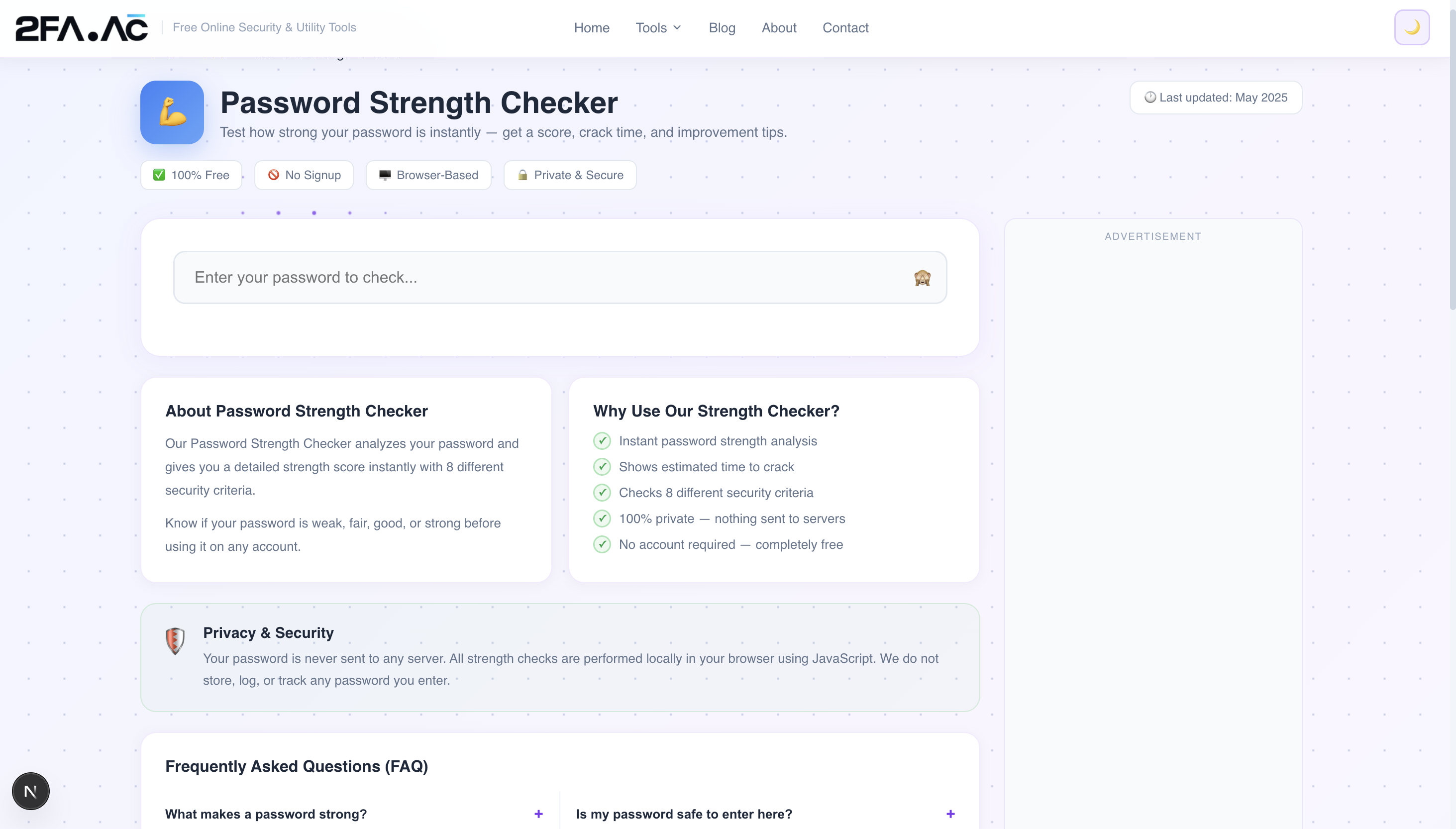
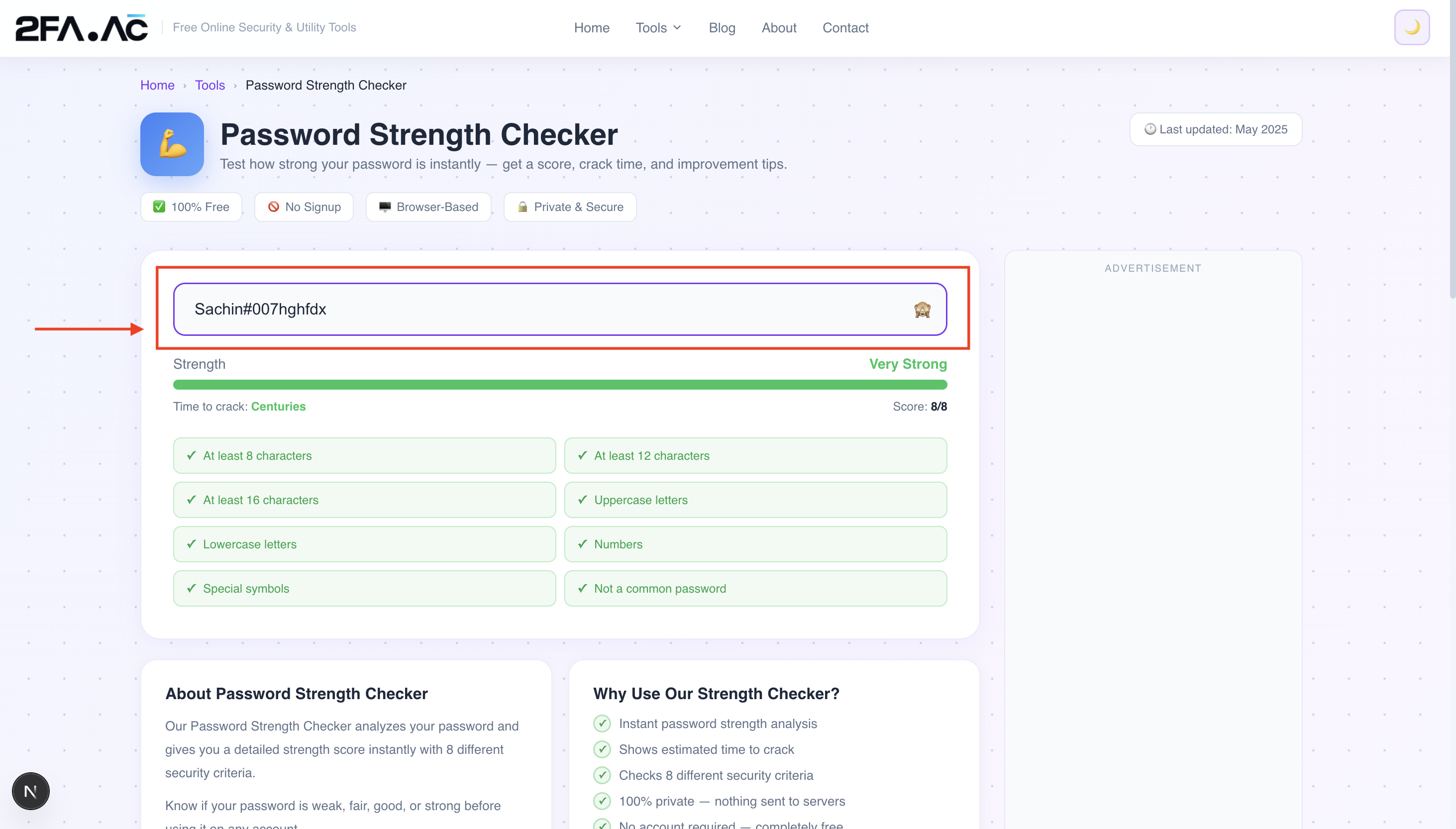
Go to 2FA.AC's Password Strength Checker and type your password into the field. You'll get an instant assessment showing:
Overall strength rating
Estimated crack time under different attack scenarios
Specific weaknesses — if there's a dictionary word, a pattern, or a common substitution, it'll tell you
Suggestions for improvement
A few things worth checking:
Your email password — this is the master key to everything else. It should be your strongest password.
Your banking passwords — obvious reasons
Your social media passwords — accounts that are valuable to attackers for scamming your contacts
Your password manager master password — the one password you need to get everything else right
What to Do If Your Password Is Weak
If the checker tells you your password is weak or mediocre, the fix is straightforward: replace it with a generated one.
Use the Password Generator at 2FA.AC to create a random 16+ character password, store it in a password manager, and update your account. The whole process takes about two minutes.
While you're at it, check whether that password has appeared in a known data breach using the Password Breach Checker. A password can be strong but still compromised if it was involved in a breach — in which case it needs to be changed regardless of its strength.
One More Thing
Password strength matters, but it's not the whole picture. A strong unique password plus two-factor authentication is significantly more secure than a strong password alone.
Even if an attacker somehow gets your password — through a breach, phishing, or any other method — 2FA means they still can't get in without access to your phone. Enable it on your most important accounts after updating your passwords.
Check your password strength now at 2FA.AC's Password Strength Checker — free, instant, and completely private. Your password never leaves your browser.
Frequently Asked Questions
Check How Strong Your Password Is
Free, instant, private. Get an honest assessment — no sugarcoating.
Check Password Strength →